If you've forgotten or lost your password, follow the steps below.
At the Canvas login screen click on Forgot password?
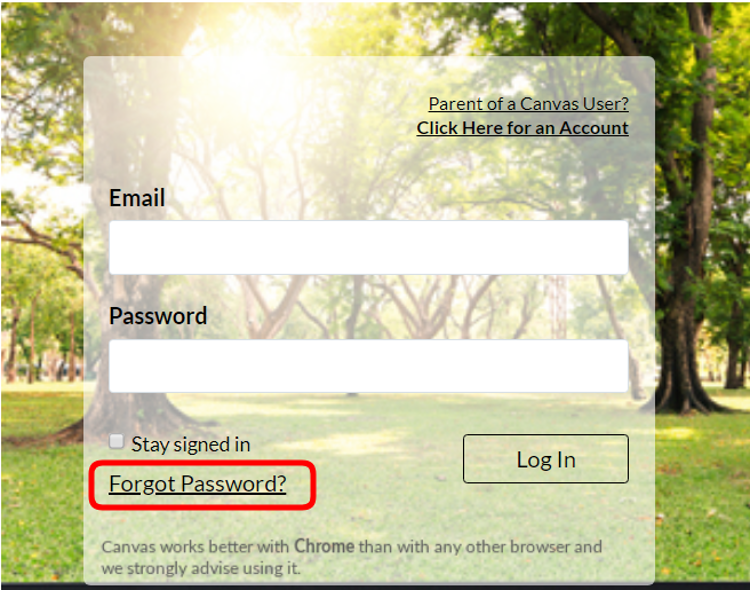
You will be taken to another page and prompted to enter your email address. Enter the email address associated with your account and click Request Password.
Instructions for creating a new password will be sent to your email address. Be sure to check your junk/spam mailbox for the email with the new password, if it doesn't arrive immediately.